
Run Puppeteer tests without managing browser infrastructure
Execute Puppeteer tests across hosted or private runners with parallel scale, videos, screenshots, logs, and real-time reporting, with the option to reuse the same browser flows for load testing or production monitoring.
Trusted by







- concurrent users
- Million+
- test regions
- 100+
- tools
- 17+
- protocols
- 50+
- browser, OS, and device combinations
- 2000+
Remote and fully hosted test execution
Run your Puppeteer tests directly on Testable Cloud, or on your own infrastructure with a small configuration change that points them at Testable Cloud for remote browser provisioning. Either way, you take advantage of the Testable value add features.


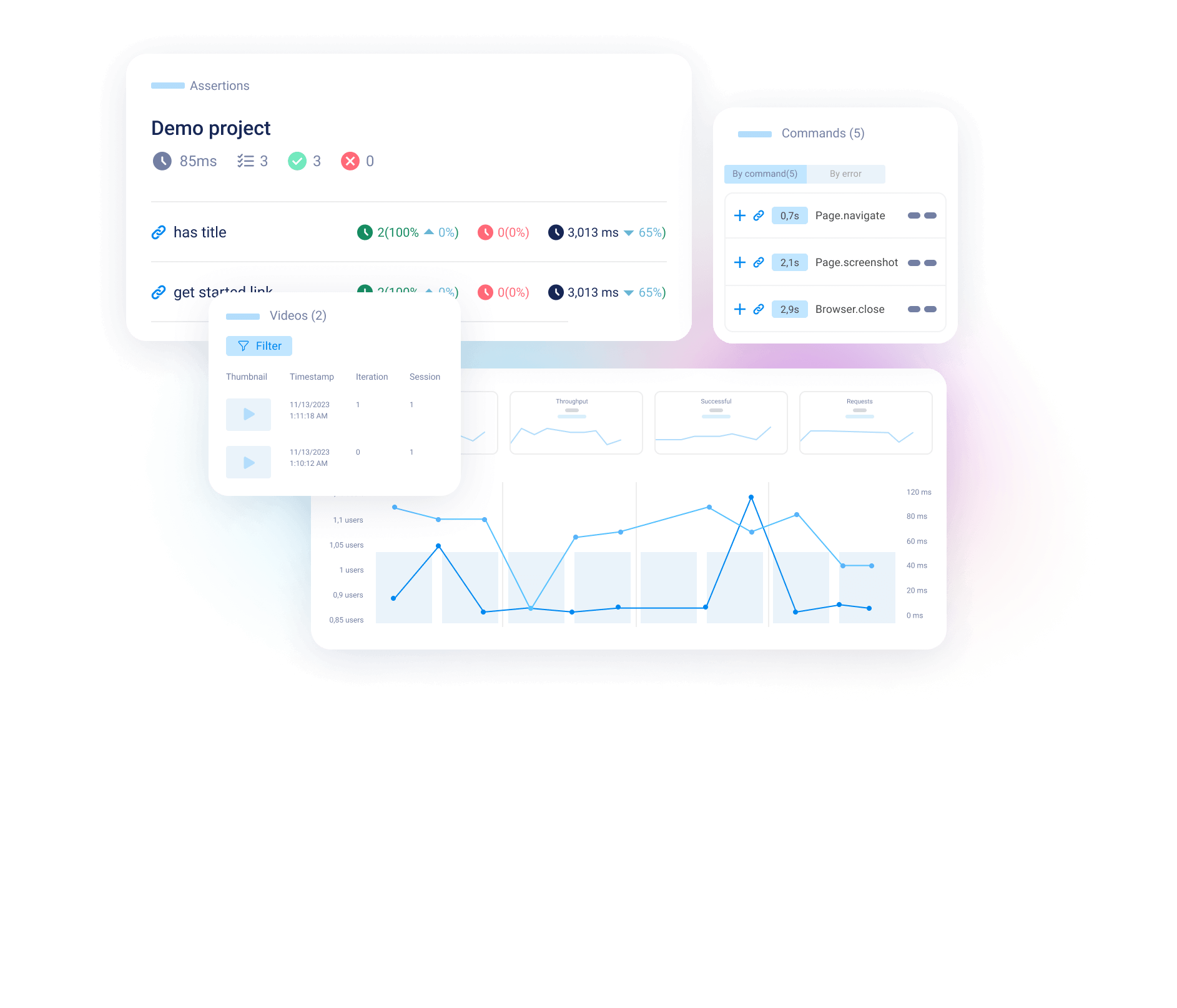
Beautiful dashboard with insights and trends
As soon as you log in, you see a quick summary of which tests are passing or failing, active tests, recent tests, and pass rate trends. Drill down into any test case, test result, and more for details from here.

Infinitely scalable for parallel testing or load testing
Run as many parallel tests as your license allows. You can also run your Puppeteer test as a load test, with each virtual user executing your Puppeteer test for as long as required.
Save the time and effort needed to develop a specific load testing script, and produce more accurate results by reusing your functional tests for load testing.
Detailed real-time reporting and analysis
Each test run produces one or more detailed reports that can be customized to show exactly what your team wants. The report includes:
- Video, plus live interactive sessions while the test runs.
- Screenshots and browser performance metrics.
- Browser executed commands, with Puppeteer and browser logs.
- Trend analysis and all network requests.
- A variety of tools to help you analyze failures.
Powerful reporting
Testable's reporting engine generates several types of reports.
- 1
Test report
See how one particular test run performed, including a variety of performance metrics, charts, video, screenshots, browser command log, network traces, and more.
- 2
Comparison report
Compare any two test runs against each other, and/or set one run as the baseline against which all other test runs are automatically compared, looking for failures.
- 3
Trend report
See trends across many test runs, both within a single scenario and across many different ones.

Team collaboration features
Create as many shared workspaces (Testable organizations) as you need and grant access to the right people in each one.
Within each organization workspace, customize the view and add markdown formatted notes, tags, reports, and more, so that everyone on the team can collaborate on your tests.
Global test runner provisioning
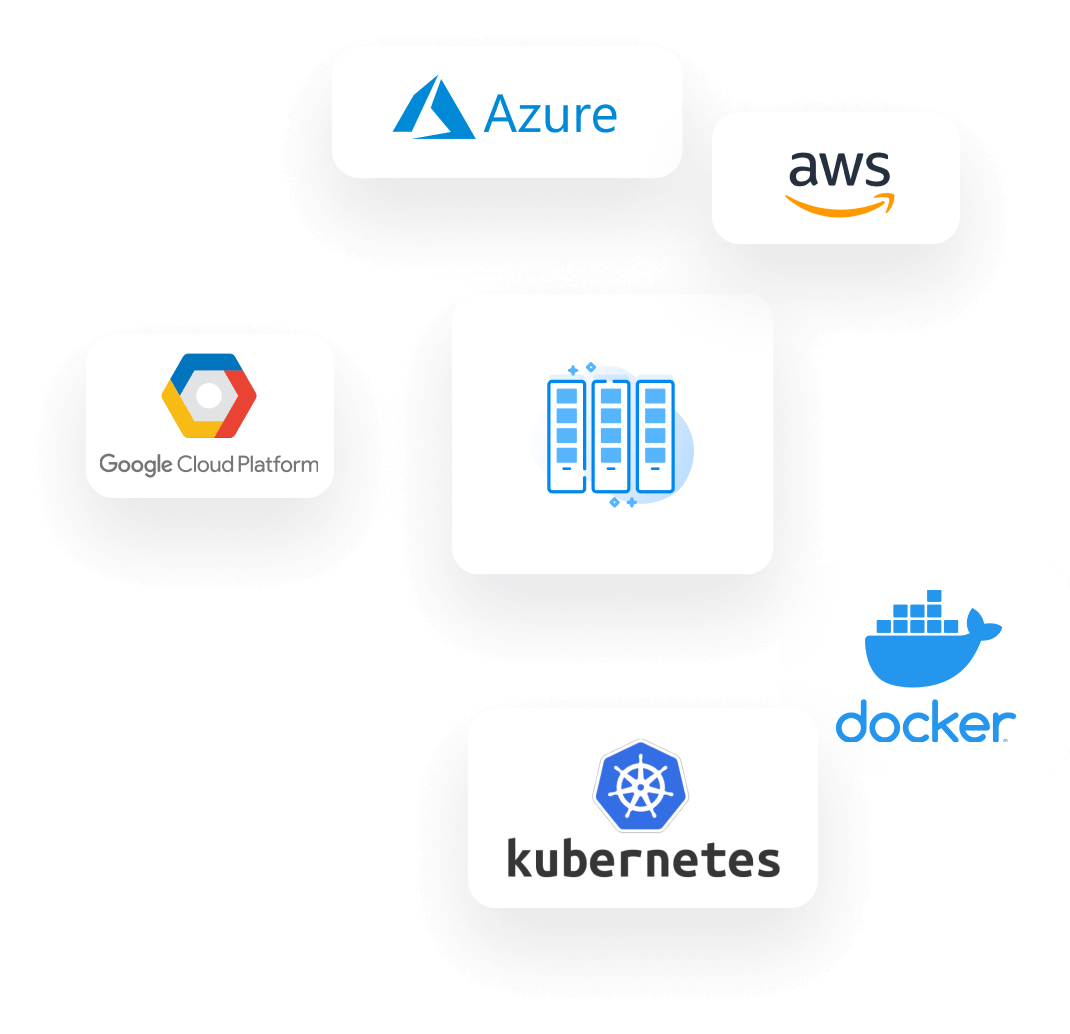
- Run your test across 100+ cloud regions on AWS, Azure, and Google Cloud or on-premises.
- Test runners can be automatically spun up at the start of your test and terminated at the end. Alternatively set up long running test runner grids to run multiple tests.
- Automated infrastructure spun up in our cloud accounts or yours. Simply grant us enough access and we automate the rest. Non-public applications inside your private network can be tested with zero infrastructure setup before the test.
- For on-prem, spin up our self-host test runners on any Docker or Kubernetes enabled infrastructure. No connection IN from Testable to the test runner container is required.

Get real-time notifications when and where they provide the most value to your team
Set up real-time notifications with hundreds of possible triggers. Get notified via voice call, SMS, WhatsApp, Teams, or Slack.
API, CI, and pipeline automation

Testable API automation
Use our simple API to integrate and automate your Puppeteer tests in a simple script with just a few lines.

Automation via CDP endpoint
Connect your existing tests to our Chrome DevTools Protocol (CDP) endpoint to see a report for each test run at Testable Cloud.

CI and pipeline automation
Integrate Testable with any CI including as a GitHub Action, into your GitLab pipeline, AWS CodePipeline, Jenkins, and more.

Automated success criteria
Define success criteria to automate the determination of test success allowing you to confidently insert Testable into your continuous deployment pipelines.
Simple to bring or link your test scenarios to our cloud
Three ways to bring your Puppeteer projects to Testable.
 1
1Upload
Upload a zip file with your test project in it.
 2
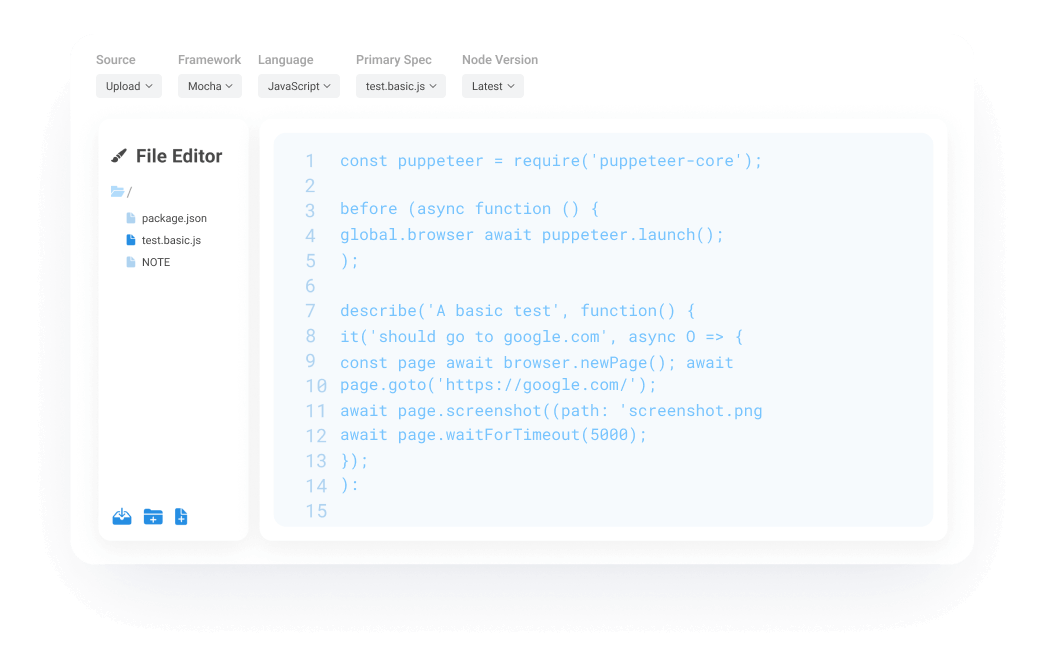
2Create
Create and edit your project in the Testable web-based editor.
 3
3Link
Link Testable with your git repository. The git repo does not have to be publicly accessible or even hosted on a public git service. If you link Testable with git we will clone your repo onto each test runner at test execution time.

All the enterprise ready features your team expects
Our enterprise features include Single Sign On (SAML), entitlements, multiple team onboarding, 24/7 customer support, professional services, customer encryption keys for test data, and more.