
Prove browser workflows work before customers use them
Run Playwright, Puppeteer, or Selenium automation across browsers, devices, operating systems, and regions, or launch a live session when you need to inspect behavior yourself.
Trusted by







- concurrent users
- Million+
- test regions
- 100+
- tools
- 17+
- protocols
- 50+
- browser, OS, and device combinations
- 2000+
Flexible test execution model
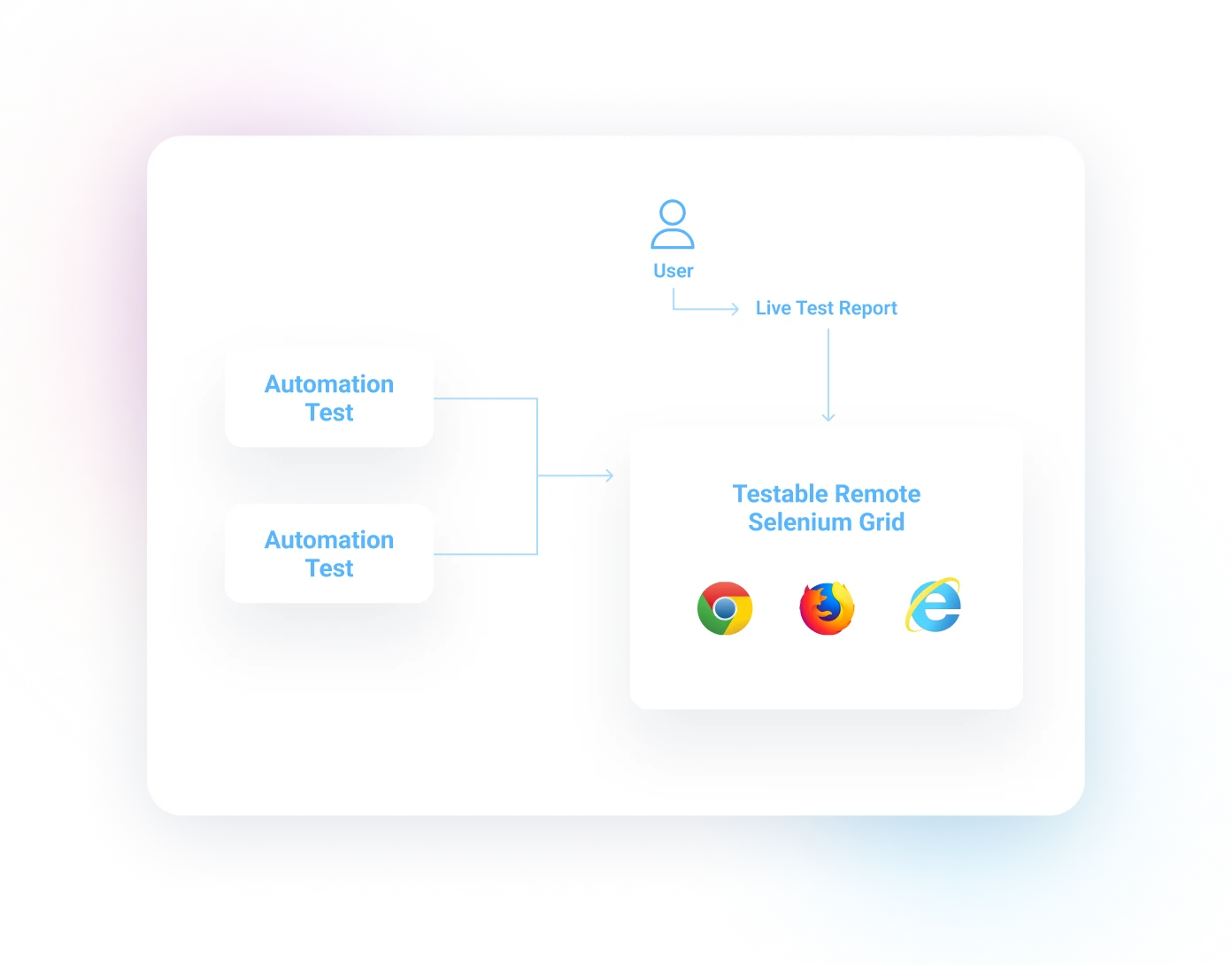
Remote Selenium Grid
Easy to migrate from other Selenium grids.
Point your test against our cloud Selenium grid and let us worry about spinning up the browser, device, and OS combination for your test.
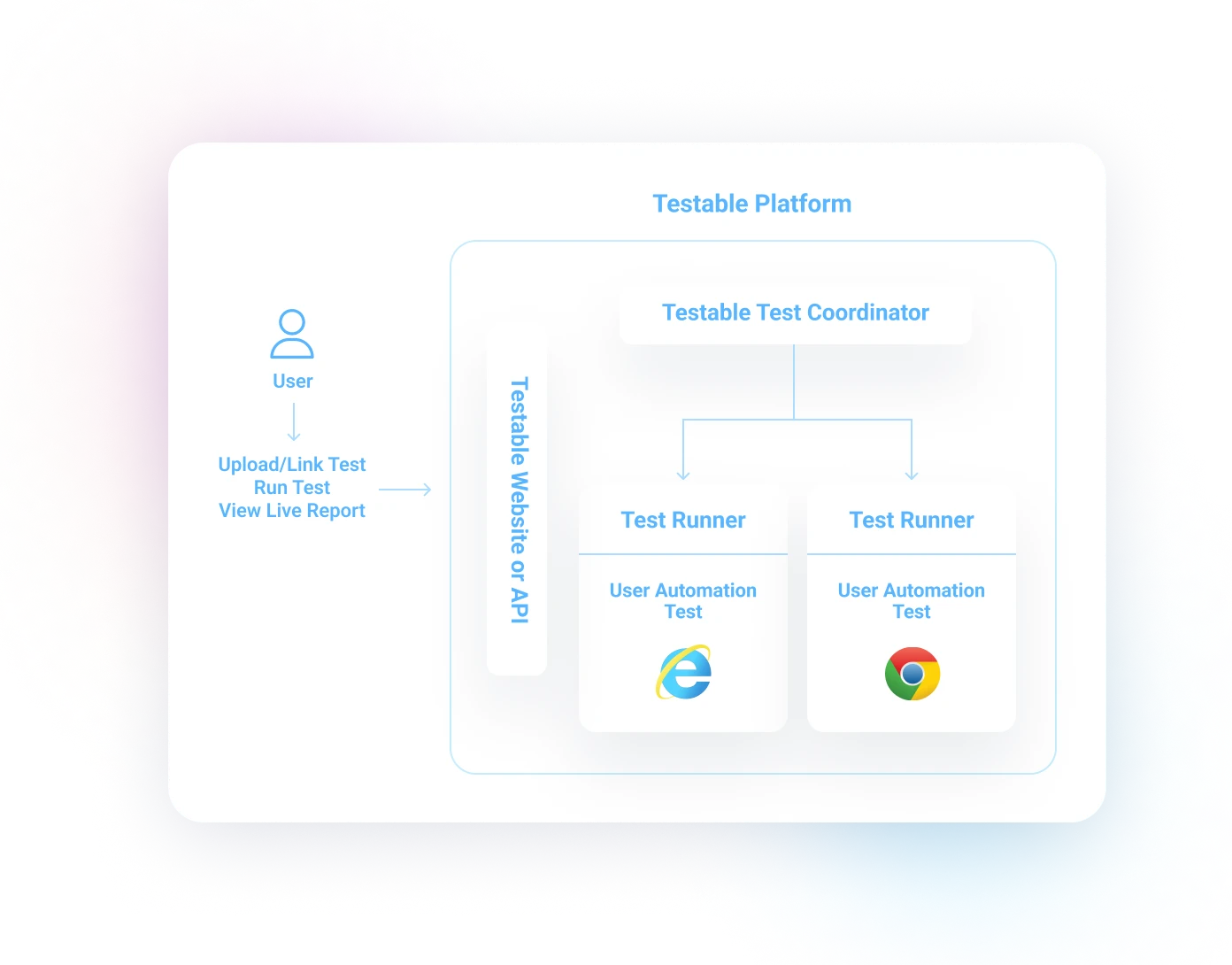
Upload a test or link a repository
Either upload your automation code or link to a Git repository. By letting Testable control the test execution, you get:
- One report across multiple devices.
- Test assertions and steps visualized in real time.
- Automatic detection of test success or failure.
- Multiple videos, and more.
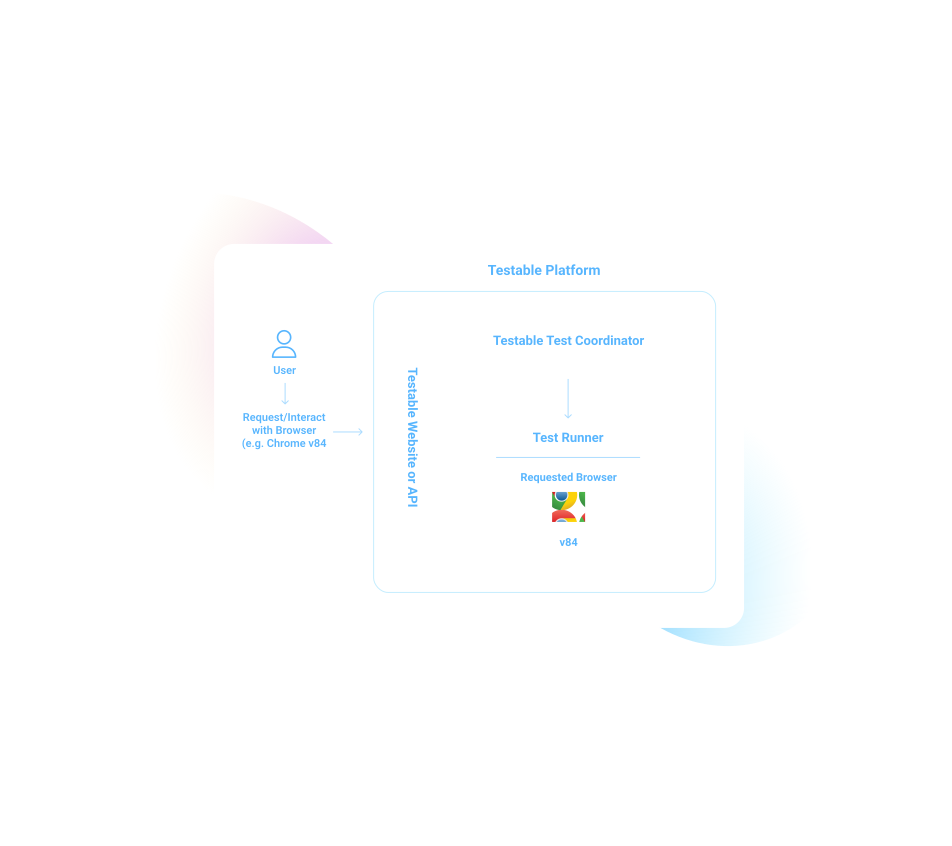
Live testing
Tell us what browser, device, and OS you want to test and let us automatically start a live session for you.
Capture a video or screenshots to share the session with your team.
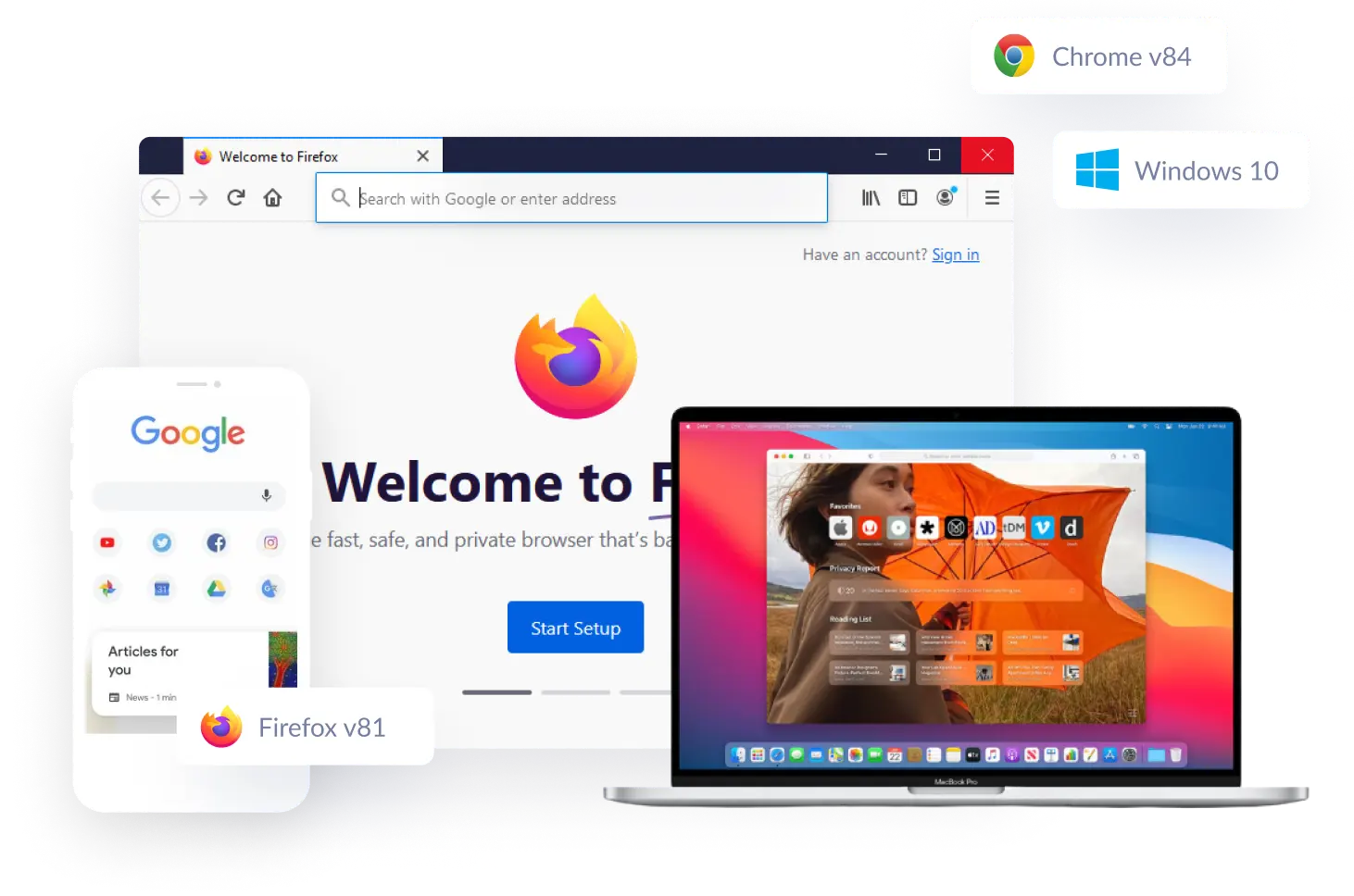
A wide variety of browsers, devices, and OSes
Testable supports thousands of combinations of browser, device, and OS. Let us handle creating the right execution environment for your tests.
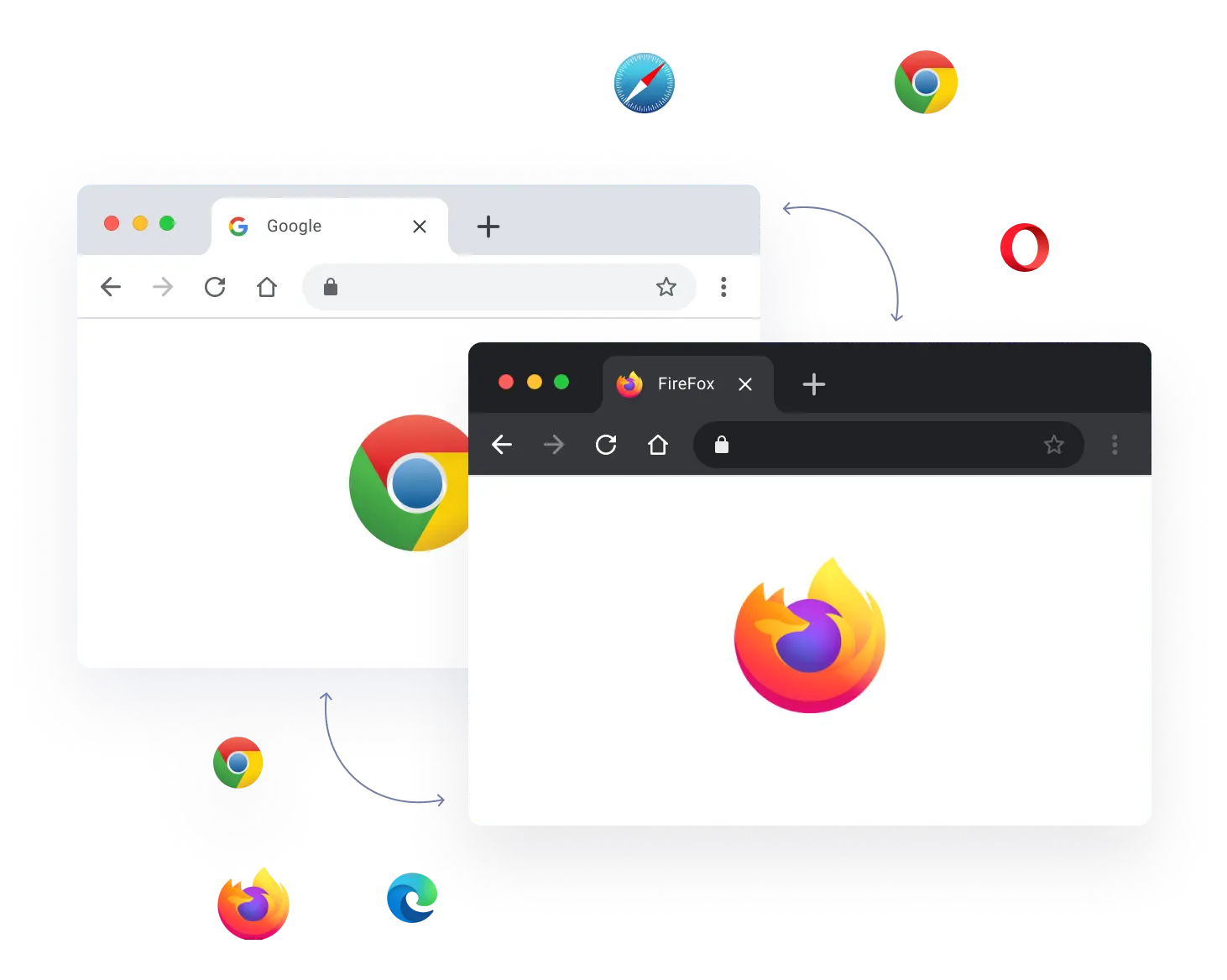
Run a single test across multiple browsers, devices, and OSes
By uploading or linking your test onto the Testable platform, you can run a single test across many different browsers, devices, and OSes and get a single aggregated test report. Let Testable handle executing the test across multiple test runners and aggregating the results.
Choose your favorite functional testing tool
Testable supports Selenium, Puppeteer, and Playwright for functional test automation. Choose your favorite tool and let Testable handle the test infrastructure, execution, and reporting.
Live interactive sessions, videos, and screenshots
For every test session (virtual user), Testable captures a variety of visual and interactive features.

Interactive session
Connect live to each virtual user while your test runs. For tests running across multiple browsers, devices, and OSes, each combination has a separate live interactive session.

Video recording
Every virtual user gets its own video recording. Use our test report to quickly compare, visually, how your test performed in different browsers, devices, and OSes.

Screenshots with visual diffs
Each screenshot your test captures is available in our test report in real time. When you run your test multiple times, Testable automatically calculates and displays visual differences per screenshot.
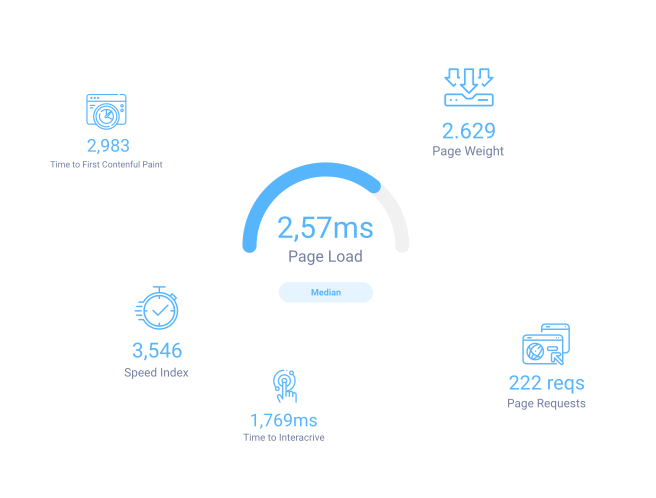
Browser performance metrics
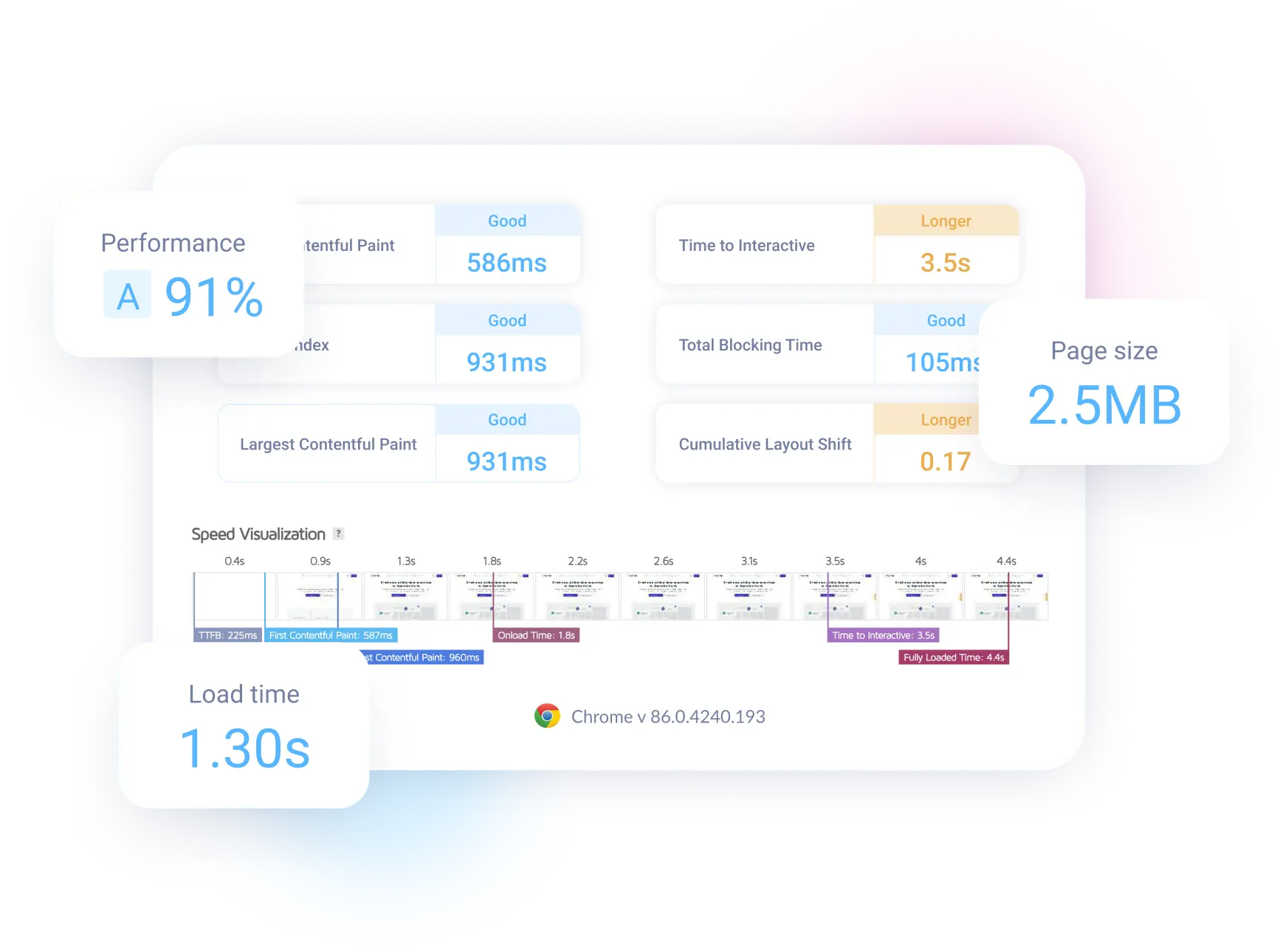
Our test report includes browser performance metrics to help you assess the performance of your website and its trends over time. Metrics include:
- Page load time, speed index, and time to first byte.
- Time to first paint, time to first contentful paint, and time to interactive.
- Page weight, page requests, and page used heap size.
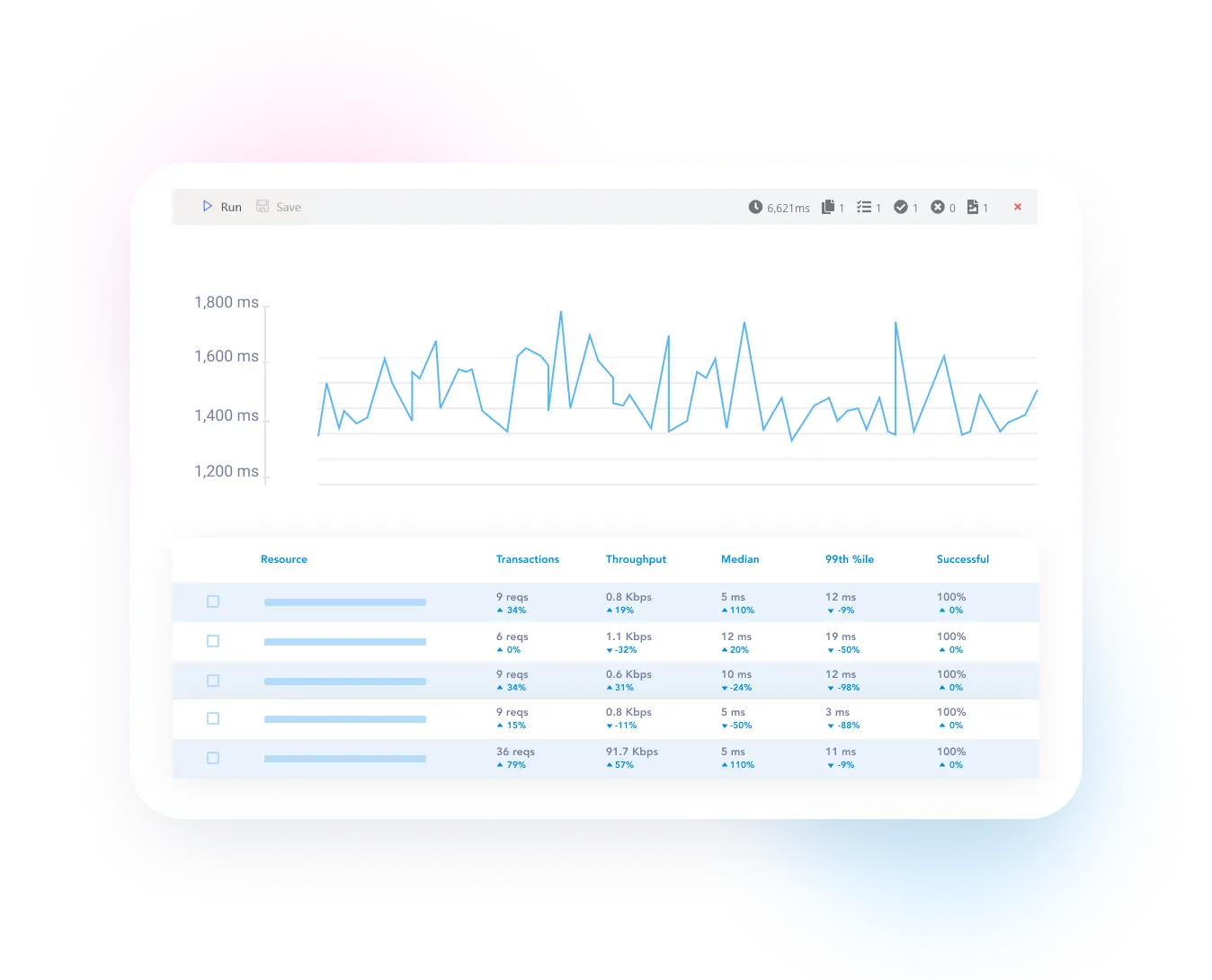
Request-level performance metrics and tracing
Testable can capture performance metrics for every network request your website makes, including all HTTP requests and websockets.
You can also enable full tracing to see the exact headers and body per request and response, as well as all data sent and received per websocket.

Over 100 test regions to choose from
Run your tests from over 100 different locations around the globe.
If you upload your test or link your Git repository, you can even run a single test from several locations at the same time.
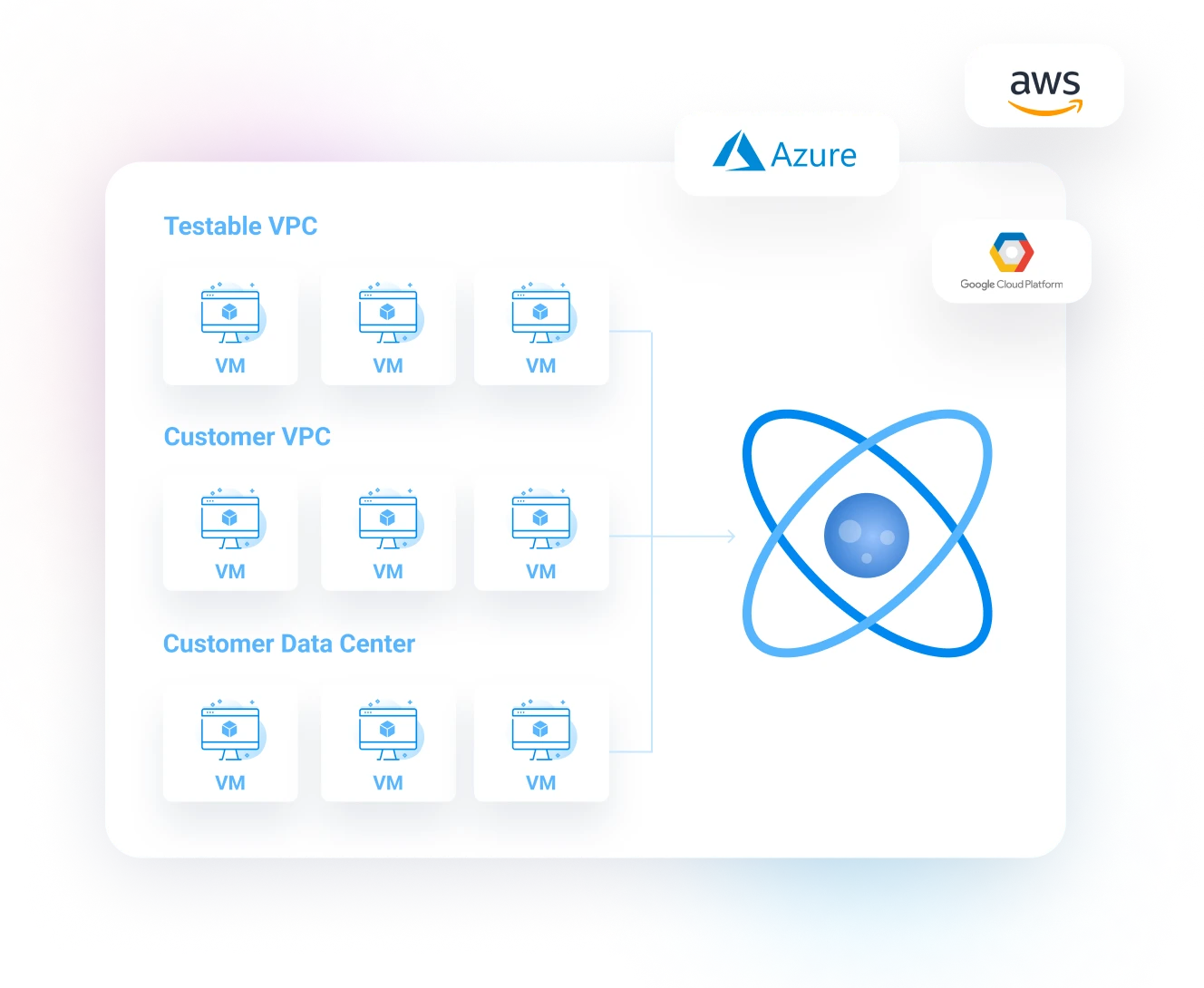
Your infrastructure or ours
The VMs that execute your test can be automatically spun up in our cloud networks or your own with support for AWS, Azure, Google Cloud, or self-hosted. Link your cloud accounts so that Testable can automatically spin up the VMs for your tests in your virtual networks. Or use our flexible test runner container to run the tests on your own infrastructure.
Fixed IP addresses for applications that allowlist clients
For applications that need to allowlist client IP addresses, choose a specific set of elastic IPs, or let Testable assign any IP that is available.
Bring your own
For tests that run inside your VPC, use your own account's elastic IPs.
Use ours
For tests that run inside Testable's VPC, Testable allocates a set of elastic IPs to your account.