
Load testing that finds the breaking point before your customers do
Run distributed load and stress tests with JMeter, Gatling, Locust, Playwright, and other open-source tools across Testable cloud or your private infrastructure.
Trusted by







- concurrent users
- Million+
- test regions
- 100+
- tools
- 17+
- protocols
- 50+
- browser, OS, and device combinations
- 2000+
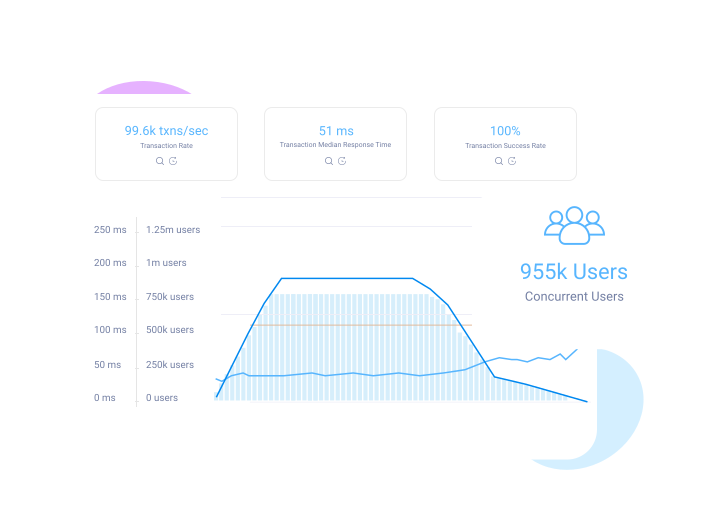
Simulate up to millions of virtual users with your favorite open-source tools
- Design. Use a wide variety of your favorite open-source tools to build your tests.
- Execute. Testable scales up the test runners your test needs, on your infrastructure or ours. Results are collected and aggregated in real time, including metrics, traces, assertions, logs, screenshots, videos, and more.
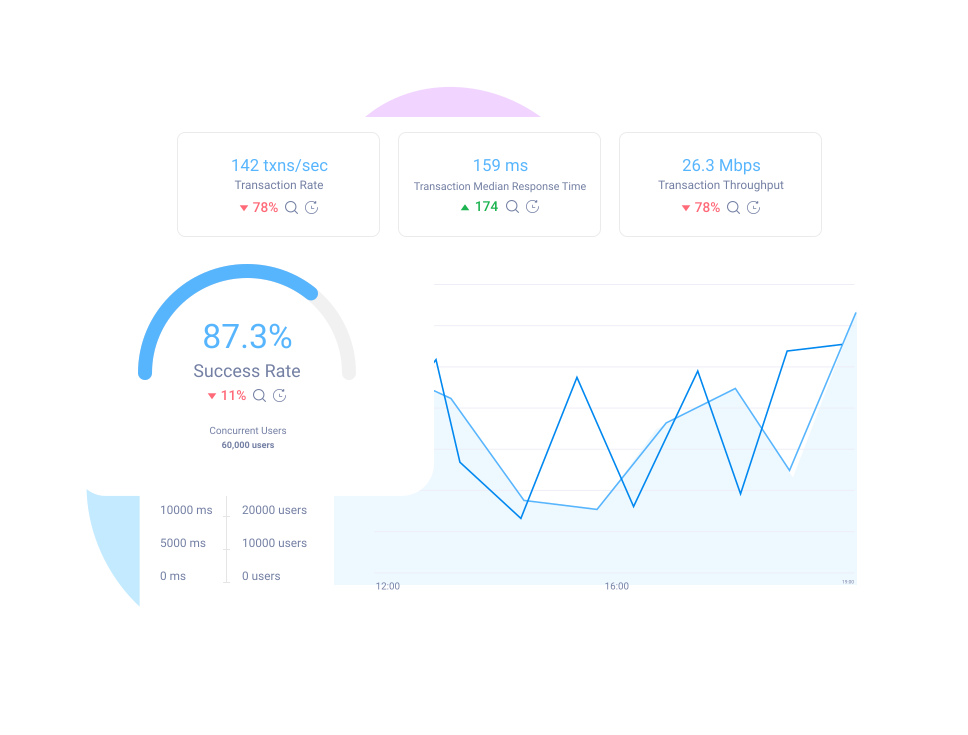
- Report. Analyze results in customizable test reports. Trend analysis and anomaly detection help you pinpoint issues as soon as they occur.

Reuse functional automation scripts for load testing
Developing and maintaining accurate load testing scripts is challenging and requires significant engineering effort. With near infinite cloud scalability, Testable can run a functional automation test across thousands of virtual users instead.
- Bring your own Selenium tests across a variety of bindings, a Puppeteer script, or a Playwright script, and run them as load tests without any modifications.
- Functional testing features such as live interactive sessions, live video, and screenshots remain available during load tests, through intelligent multimedia sampling.
- Distribute the load across multiple browser, OS, and device combinations.
Global scale on your infrastructure or ours
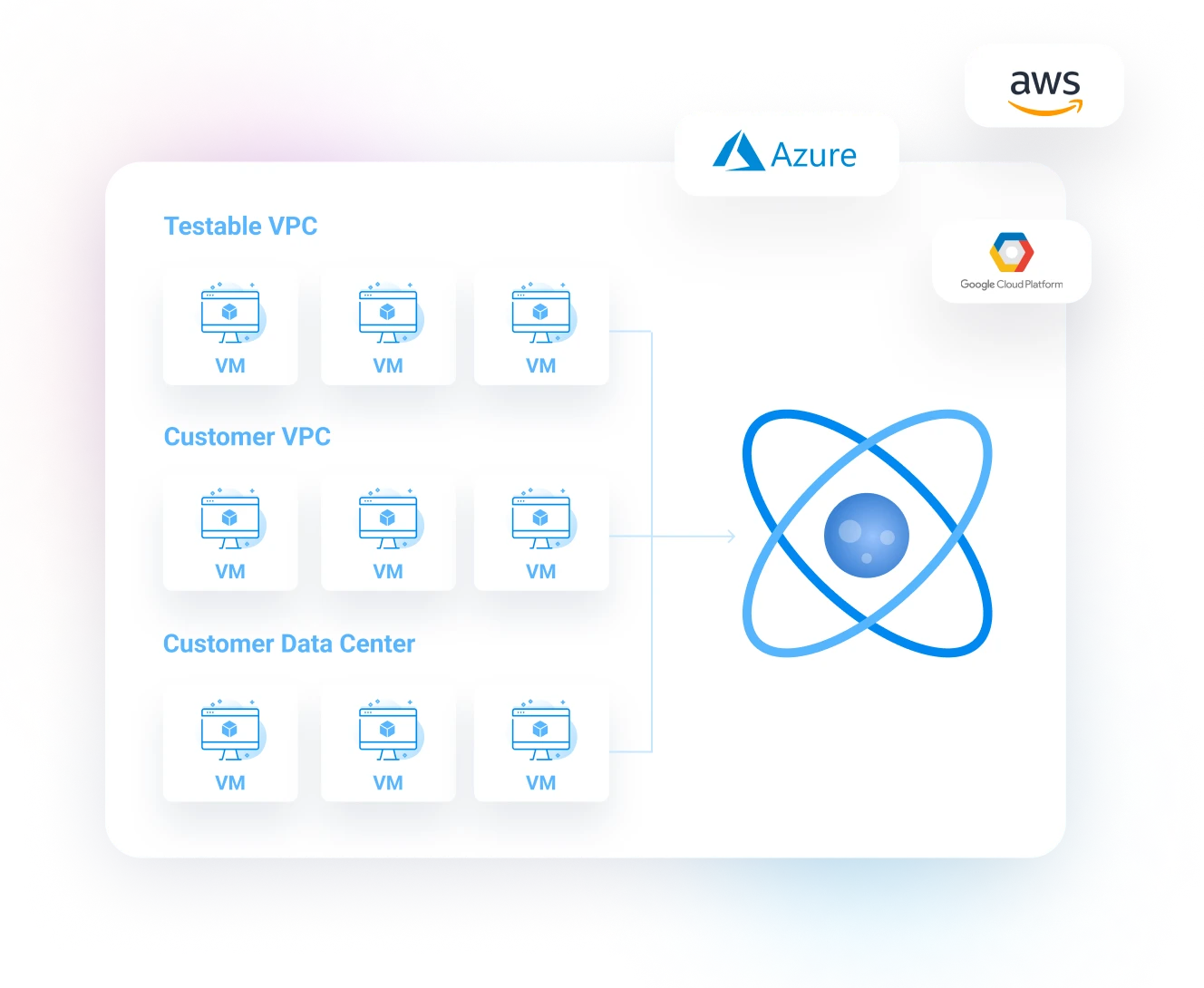
Run tests from over 100 regions across AWS, Azure, and Google Cloud, or on your own infrastructure.
- Our cloud network. Testable automatically spins up a grid of test runners to execute your test from Testable's own cloud infrastructure.
- Your cloud network. Testable automatically spins up the grid of test runner instances inside your cloud virtual networks.
- Your infrastructure. In the cloud or in your data center, spin up your own test runner grid with the Testable test runner Docker container.
Easily test applications that live behind your firewall.
Turn performance testing results into release decisions
Use trends, anomalies, traces, raw results, and business-aligned success criteria to understand bottlenecks and decide whether a release is ready.
Trend analysis
As you run a test multiple times, Testable shows trends for every single metric, so you instantly see how this run compares to past runs.
Anomaly detection
Building on trend analysis, Testable detects anomalies and can automatically mark the test as a failure.
Aggregated metrics on multiple dimensions
See every metric, such as response time, bandwidth, and custom metrics, aggregated test wide, by test region, by resource or URL, and across time.
Traces for every URL and response status
Traces give you the full detail for a sampling of requests: full URL, all metrics, status, request headers and body, and response headers and body.
Result analysis
The test report includes a variety of analysis views: slowest results, failures, slowest test iterations, and results by virtual user.
Raw results
Download the raw results for your own offline analysis. Raw results are exported as a CSV with one row per network request, including all metrics, status, and URL.
Intelligent sampling ensures at least one trace for every URL and response status combination, even for very rare errors. Traces work for streaming protocols such as WebSockets, not only HTTP.

Easy to bring your tests to Testable
Bringing a test to Testable requires no special changes to make it work.
- Create in the browser. Create and edit your tests visually on the Testable website.
- Upload. Upload all the files your test needs, individually or as a zip file.
- Git link. Connect your test to the Git repository that holds everything needed to run it. Every time the test runs, each test runner pulls the latest code. This works even when your Git repository is behind a firewall, as long as the test runners are on the same network.
Success criteria that align with your business
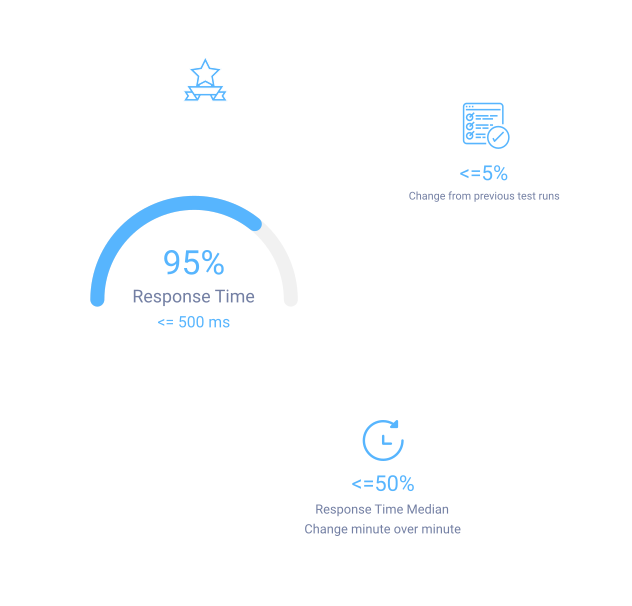
Rich success criteria options automate the evaluation of load testing results to decide whether a particular test run was a success or a failure. Examples of the different criteria types:
- Absolute. p95 response time should be less than 100ms.
- Relative. Success rate should be within 5% of the last few test runs.
- Active. Response time should not spike by more than 50% during the test run. If it does, stop the test.
Continuous load testing automation
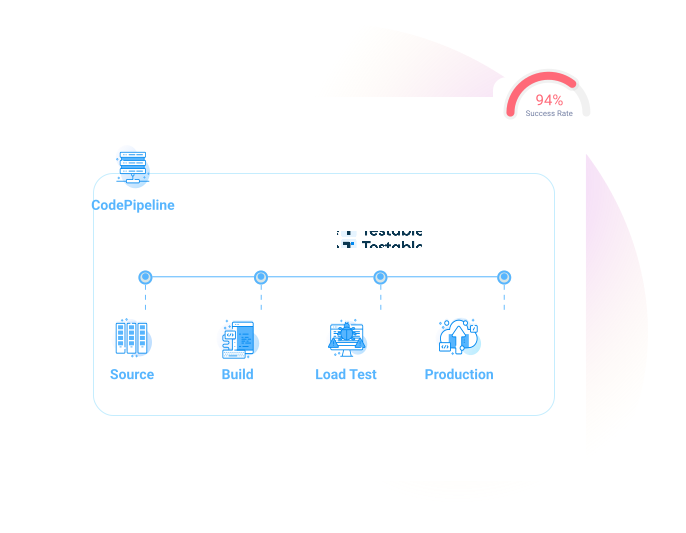
Once success criteria are defined, integrate and automate load testing in your continuous integration or continuous delivery pipeline.
- Use the Testable API to trigger tests.
- Schedule recurring tests with the visual test scheduler.
Fixed IP addresses for applications that allowlist clients
For applications that need to allowlist client IP addresses, choose a specific set of elastic IPs, or let Testable assign any IP that is available.
Bring your own
For tests that run inside your VPC, use your own account's elastic IPs.
Use ours
For tests that run inside Testable's VPC, Testable allocates a set of elastic IPs to your account.